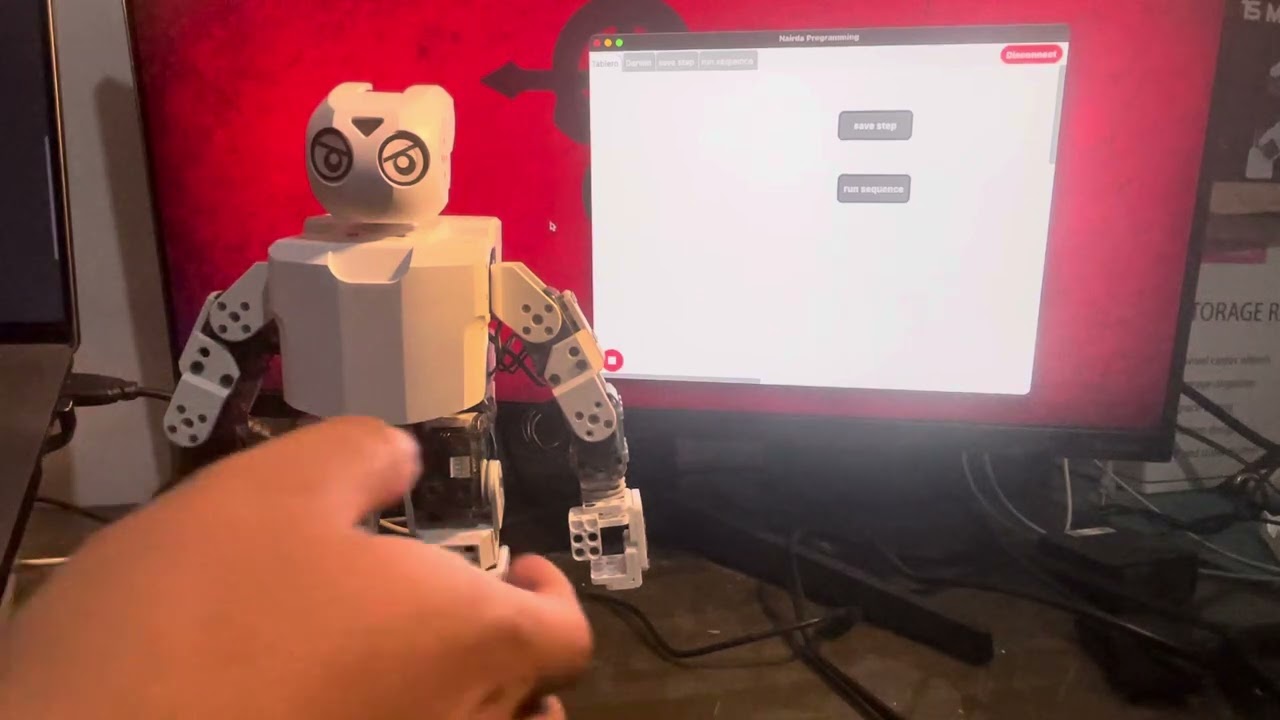
I’m excited to share a quick demo showing how you can program your Darwin robot wirelessly in seconds using Nairda Programming.
 Setup & Firmware
- Firmware for the OpenCM9.04 board is in the darwin branch of the Nairda Arduino Library:
GitHub - semakers/NairdaArduinoLibrary: Nairda firmware - Installation steps are detailed in that repo’s README.
 Hardware Requirements
- Attach any Bluetooth module (BLE 4.x: HM‑10, HC‑08 or Classic 2.x: HC‑05, HC‑06) to Serial Port 3 on your OpenCM9.04.
 Documentation & Tutorials
- Full docs & getting‑started guide: Redirigiendo...
- Built‑in tutorial section inside the app walks you step‑by‑step through programming your robot.
 App Availability
- Android, iOS & macOS today
- Windows support coming soon
 How It Works
- Store each robot pose in a simple data table inside the app.
- Tap Save Step (
saveStep()) to record the current pose. - Tap Play Sequence (
runSequence()) to loop through stored steps and drive Darwin—all over Bluetooth, no cables needed.
Get started today and experience truly wireless robot programming with Nairda!