Hello everyone!
Introducing the Physical AI Manipulator project using ROS 2 and the Hugging Face LeRobot.
OMX, Entry-Level Physical AI Manipulator! ($299)
In this video, we introduce our brand-new robot model, OMX, designed to deliver maximum usability and performance. Whether you’re a robotics hobbyist, educator, or AI researcher, OMX is built to simplify your workflow while unlocking powerful Physical AI capabilities.
Why OMX Stands Out
No Motor Setup Required – Get started instantly without complex configuration.
No Calibration Required – Save time and reduce hassle with a plug-and-play experience.
Safe Homing Bring-Up – Always return safely to your initial pose.
360° Base Rotation – Enjoy a wider workspace for more versatile tasks.
Light Weight – Portable and easy to handle anywhere.
Low-Friction Leader – Smooth teleoperation.
No Power Supply Required for Leader (OMX-L) – Powered solely by USB (5V).
Spring-Effect Trigger – Comfortable grasping with a spring controller.
User-Centric Design – Optimized design for imitation learning.
ROS 2 Integration – Fully integrated with the ROS 2 ecosystem.
AI Workflows – End-to-end imitation learning workflow support.
Full OpenSource – Complete access to hardware and software resources.
It is very interesting and instructive to see how the hardware/software set up is changing from OMX, to OMY and then to AI Worker.
I am sure that some folks are already planning on putting the OMX on a Mobile Platform controlled by an RPi5 running on Ubuntu 24.04
A few questions for you and your team:
Regarding the User PC/SBC, does it need to be on Wired Ethernet or can it be on WiFi? It only needs the basic Ubuntu 24.04 OS and git? But all other features (ROS 2 Jazzy, Docker and other OMX tools) are installed/available from the ROBOTIS images/containers right?
Do the OpenRB-150s run any OMX-specific Arduino code on them? Or do they just act like a 1 Mbps version of the U2D2?
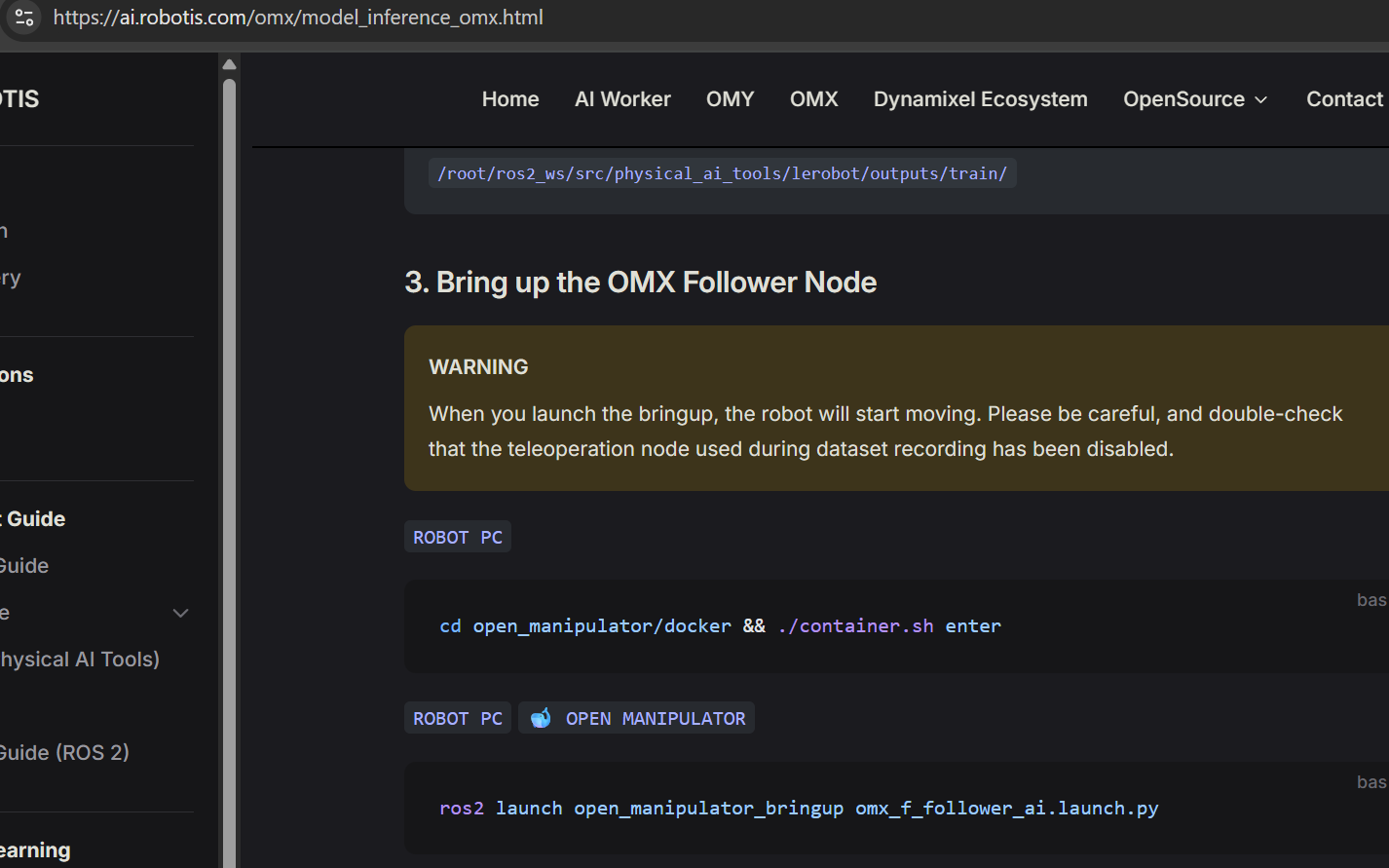
On the OMX page at the ai.robotis.com web site, I think that there is a small “typo” - see screen capture below:
Hi Roboteer, thank you so much for your interest in the OMX release!
I’ll give you an answer…
OMX can be used on your personal laptop or desktop as long as it is connected to a network, whether via Wi-Fi or Ethernet. Our project officially supports ROS2 Jazzy.
If you are using Docker, the Ubuntu version does not matter.
However, if you want to run it locally, you will need to use Ubuntu 24.04 with Jazzy.
Please note that Docker Engine itself must be installed manually.
Yes, you’re right! You can also use U2D2 (1 Mbps).
I’ll make the correction — “USER PC” is the correct expression. Thank you for pointing that out!
Thank you very much for the quick and useful response. Recently NVIDIA releases JetPack 7 which is based on Ubuntu 24.04. Has anyone from ROBOTIS tried to port that OMX Docker Image onto a Jetson Orin Nano with JetPack 7 yet?
Have a good weekend!
Hello Junha, I have another question regarding using OMX with Ubuntu 24.04.
Do you think that I can use the Robotis OMX Docker Image via Docker Desktop running on a PC or RPi5 running on Ubuntu 24.04?
 Hello everyone!
 Why OMX Stands Out
 GitHub Repositories
 Documentation
 Video
Video